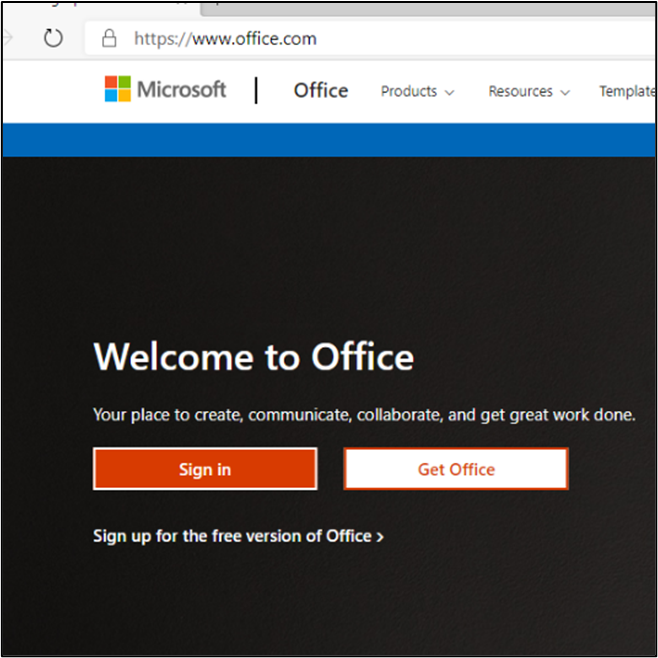
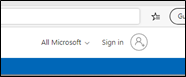
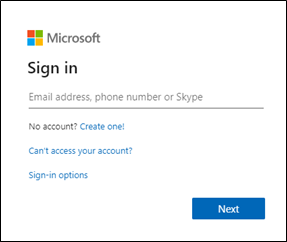
You can sign in to Office 365 on your computer by opening a web browser and going to www.office.comand click on the Sign in box or click sign in on the top right of the screen.
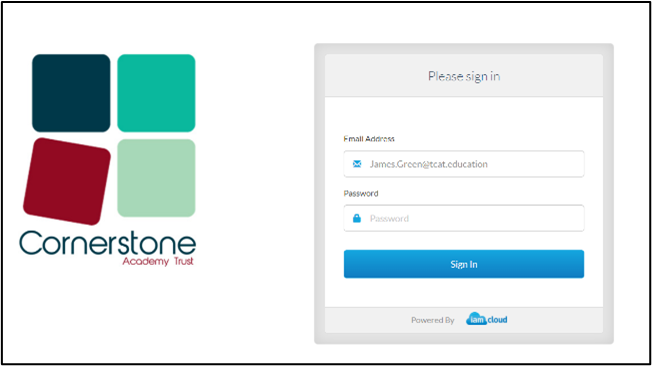
When prompted, use your child’s school email address and password supplied.
You may be prompted to add in your password again.
You will then reach their Home Dashboard and can see recommended and recent documents.
At the top on the right-hand side there is an option to Install Office – you can do this on your own device – the school devices already have this installed.
On the left-hand side, you will then see a range of apps such as Word, Excel and PowerPoint.
OneNote will be used frequently.
Teams is at the heart of our remote learning for communication between staff and pupils.
Another popular app with pupils is Sway.
Our other help guides are available on our web page.